Non Stop Radio logo

How Non Stop Radio works

Non Stop Radio is a free, ad-free Android internet radio app with Android Auto support. Listen to 60K+ stations in 237 countries, use Lucky discovery, save favourites (stations and songs), share stations with friends using auto-save links, play podcasts and local files, and use timers, alarms and task reminders.

All features

Non Stop Radio on Android Auto

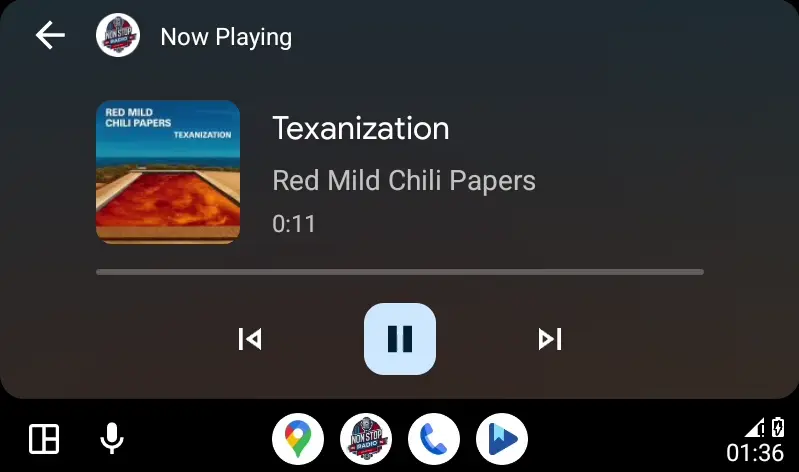
Android Auto support

Bring your favourite radio, podcasts, and local audio into the car and fight traffic and boredom at the same time.

It gives you access to your favourite stations, saved podcasts, and local music files, for when the signal dies or you’re stuck hearing the same song for the 500th time today.

Where: Settings → Android Auto

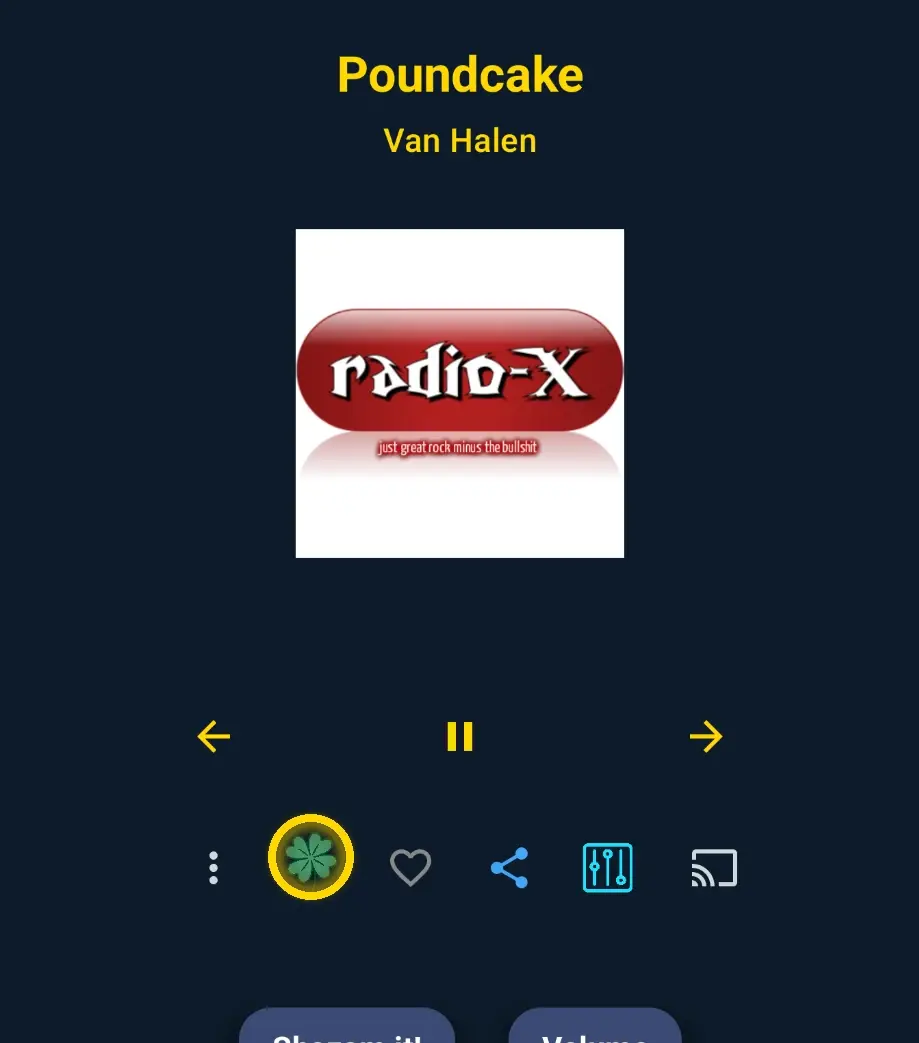
Lucky button (clover icon) on the player screen

Lucky button (random discovery)

Tap the ☘️ clover icon on the Player screen to instantly play a random station for quick discovery.

Perfect when you want “something new” and your brain refuses to choose.

You can also filter which countries Lucky “travels” to, so it doesn’t keep teleporting you to places you didn’t ask for.

Where: Player screen → ☘️ Clover • Settings → “Feeling Lucky” Button

Share stations with auto-save links

With Non Stop Radio, you can share radio stations directly with other NSR users by email, messaging apps, or social media using a special NSR station link.

When the recipient taps that link on a device with Non Stop Radio installed, the app opens and gives them the option to save the station straight to their favourites. No searching, no copying URLs, no digital treasure hunt.

To send one, just open the station on the Now Playing screen, tap the share icon, and choose “Send to Non Stop Radio friend.” NSR instantly creates a link that another NSR user can open with one tap and add to favourites right away.

Where: Now Playing screen → Share icon → Send to Non Stop Radio friend

Podcasts

Discover podcasts without bouncing between apps like a confused raccoon in a supermarket.

Browse trending podcasts, switch languages to see what is popular in different regions, open any podcast to view details and episodes, and save your favourites for later.

Keep Listening helps you continue right where you stopped, while search and categories make it easy to find exactly what you want without endless scrolling and other modern punishments.

Where: Home screen → Podcasts

Video placeholder: Local files demo

Local files (phone + car)

Play your own music library alongside online stations.

Works on the phone and in Android Auto.

Where: Local music section

Photo placeholder: Timers/alarms

Sleep timer, alarms and reminders

Set a sleep timer to stop playback automatically. Wake up to a station or local audio with alarms.

Use task reminders for small nudges while you listen.

Where: Player → Timer • Alarms • Task reminders